
hidden camera detector app searches have soared among travelers and renters worried about privacy invasions in Airbnb stays, hotels, and rental properties. Security concerns are driving demand for easy-to-use solutions—but most detector apps have limitations users should understand before relying on them.
Key Takeaways
- Hidden camera detector apps offer quick, discreet ways to check rooms for suspicious devices, but real-world tests show mixed results and high false positives.
- Incidents of hidden cameras in rentals and hotels have led to thousands of complaints to platforms like Airbnb, but most apps cannot guarantee full protection, especially against advanced disguises.
- Combining digital detection with simple physical checks and affordable privacy gear can improve peace of mind for travelers and renters.
- What Is a Hidden Camera Detector App and Why Use One?
- How to Use a Hidden Camera Detector App: Step-by-Step Guide
- Advanced Analysis & Common Pitfalls
- Conclusion
- FAQ
What Is a Hidden Camera Detector App and Why Use One?
A hidden camera detector app is a mobile application designed to help you find hidden surveillance cameras or recording devices in unfamiliar spaces—whether short-term rentals, hotels, public restrooms, or office spaces. These apps typically use your smartphone’s hardware (flashlight, camera, magnetometer, or Wi-Fi/Bluetooth services) to scan for camera lenses or signal emissions that might indicate hidden devices.
People turn to hidden camera detector apps to quickly check for privacy threats—especially after reports of spy cameras in places like smoke detectors, phone chargers, and bedside clocks. According to a CNN investigation, Airbnb recorded 35,000 customer support tickets related to security cameras or recording devices across a decade. But while this shows how widespread the anxiety is, many apps often frustrate users by flagging innocent electronics or missing expertly concealed cameras altogether.
How to Use a Hidden Camera Detector App: Step-by-Step Guide
Getting the most out of a hidden camera detector app involves more than just downloading and tapping “scan.” Here is a practical, realistic walkthrough for first-time users—plus expert tips for boosting your privacy defense with extra gear and safer travel habits.
- Download a reputable app. Look for apps like the best hidden camera detector app suited for your device (iOS or Android). Choose one with a solid review record—but remember, no app is infallible.
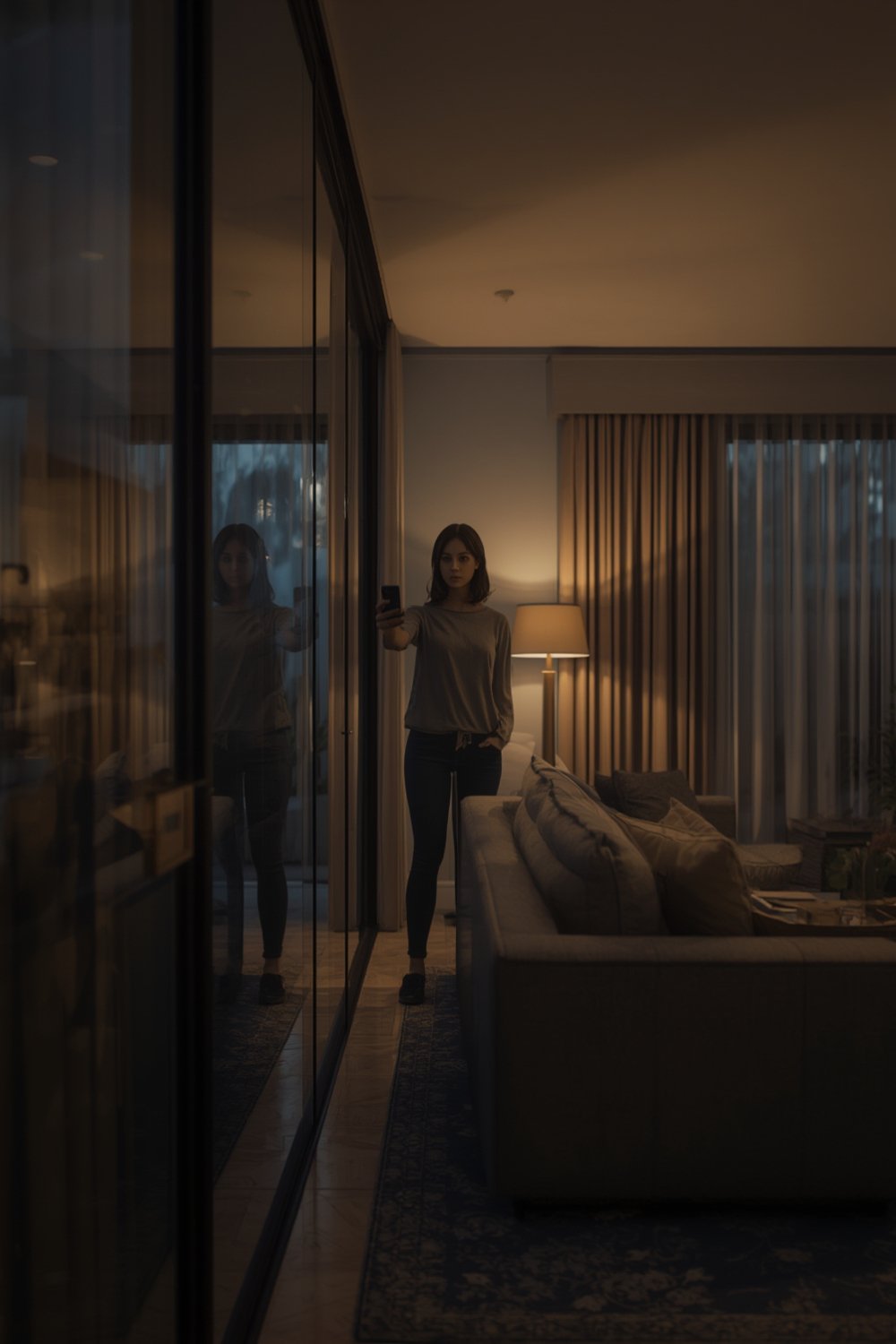
- Prepare your room. Reduce clutter as much as possible. Turn off electronics you own so wireless/Bluetooth scans are less cluttered. Close curtains and dim the lights to maximize lens glint detection.
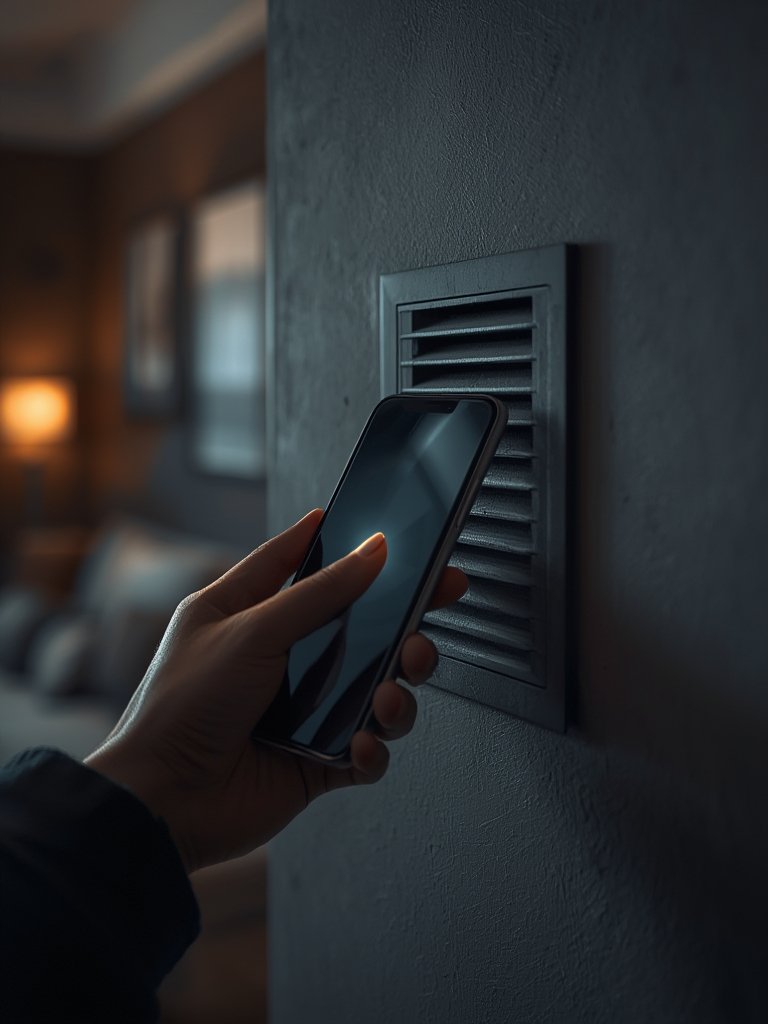
- Run a lens glint scan. Open the app’s scanning mode—the best options let you use your phone’s flashlight and camera together. Sweep your device slowly across all surfaces, paying special attention to common hiding spots: smoke detectors, power outlets, alarm clocks, TV stands.
- Try RF scanning or magnet detection. If your app offers extra modes, run Bluetooth/Wi-Fi or magnetometer sweeps to detect suspicious signals or magnetic fields from disguised electronics (like hidden cameras inside phone chargers).
- Follow up with a short physical check. Use your hands and a mirror to inspect small holes, vents, and unfamiliar electronics. Cameras are often hidden in ordinary-looking objects—alarm clocks, coat hooks, and lamps are frequent culprits (CNN source).
- If you suspect a device, unplug it or cover the lens, then report it to building staff immediately. Notify the rental host or hotel and document everything with photos.
Want more safety tech? Travelers also carry a connected self defense smart spray or even self defense smart jewelry for all-in-one protection.
For high-risk environments or solo travel, check out the solo female travel security kit—it includes travel alarms and portable locks, which pair well with detector apps for rental stays.
Advanced Analysis & Common Pitfalls
While hidden camera detector apps are appealing for their low cost and privacy boost, they are far from foolproof. Here is what real testing and user feedback reveal about their biggest pitfalls.
| Detection Method | Strengths | Weaknesses |
|---|---|---|
| Lens Glint Detection (Camera + Flashlight) | Can reveal reflective camera lenses in darkness Works for most glass lenses |
Misses well-hidden or tinted lenses Relies on proper scanning angles |
| RF/Wi-Fi/Bluetooth Scanning | Finds wireless devices transmitting signals | High false positive rate (flags TVs, routers, smart speakers) Misses offline cameras not transmitting |
| Magnetometer/IR Sensor Tools | Detects powered-on electronics and IR LEDs | Cannot distinguish camera from other electronics False negatives if camera is off or battery-powered only |
- High False Alarms: Multiple YouTube testers found that apps triggered constant alerts on harmless devices—such as microphones, chargers, routers, and smart home gadgets—making genuine threats hard to identify. (source)
- Fails Against Clever Hiding: Modern spy cameras are disguised as everyday objects like USB chargers, clocks, outlets, or smoke detectors—which can fool basic scanning. In tests, some apps failed to find cameras placed in plain sight. (source)
- Sensitivity Issues: Many apps have sensitivity sliders, but setting them too high causes meaningless alerts; too low and you might miss actual threats. The tech is often imprecise, especially with signal scans. (source)
- Unverified Success Cases: Despite thousands of downloads, there are few documented cases of detector apps successfully preventing privacy violations. Most are supplemental tools—not stand-alone solutions.

Instead of relying only on detection apps, savvy users combine them with practical habits:
- Manually check and cover suspicious electronics (unplug clocks, use tape over camera holes).
- Invest in a Bluetooth tracker scanner to spot wireless bugs or GPS trackers.
- Bring impact resistant gloves or portable alarms for all-around safety.
- Look for multi-factor travel security: smart jewelry, spray alarms with GPS, and hotel door locks.
Conclusion
Hidden camera detector apps can reduce anxiety and help screen for privacy threats, especially in unfamiliar rentals or public spaces. However, as tests show, they are not silver bullets—they miss cleverly concealed cameras and often flood users with false positives. For the best results, use them alongside a thorough physical inspection and proven travel security kit for layered protection. The hidden camera detector app is a valuable part of your toolkit, but don’t trust it alone—always trust your instincts and report anything suspicious.
Ready to upgrade your personal security? Compare the best hidden camera detector apps and advanced privacy gadgets now.
FAQ
Do hidden camera detector apps really work?
They work best as first-line screens but have gaps—false positives are common, and advanced concealed cameras can evade app-based detection. Combine with physical checks for better security.
How do I know if my rental or hotel room has a hidden camera?
Check for odd or out-of-place electronics, suspicious glints in small holes, and blinking LEDs in dark. Apps can scan for common threats, but always supplement with a manual inspection.
Are these apps safe for Android and iPhone?
Most reputable hidden camera detector apps are safe to download, but always verify developer details and avoid apps with excessive permissions or poor reviews.
What else can I use with these apps for added privacy?
Travelers often pair detector apps with portable travel door locks, connected safety sprays, and discreet smart jewelry for 360-degree security.
Can I prevent all hidden camera threats with apps?
No detection method is 100% foolproof. Apps enhance, but do not replace, personal vigilance and common sense. Always report suspicious findings to management or law enforcement.