
How to find hidden cameras in hotel room is a growing concern for travelers as reports continue to rise. In 2025, nearly half of vacation rental guests said they’ve found hidden cameras, and many hotel guests still worry about their personal privacy. Here’s a no-nonsense, step-by-step guide for anyone who wants to protect themselves, with data-backed strategies, new detection tools, and the pitfalls most guides leave out.
Key Takeaways
- 47% of vacation rental guests report finding hidden cameras, but most travelers don’t know how to detect or document them properly.
- Visual checks alone miss many modern devices like Wi-Fi livestream cameras—adding network scans and RF detectors increases your chances.
- Don’t tamper; gather photo or video evidence and report immediately to minimize legal and personal risks.
- Why Finding Hidden Cameras in Hotels and Rentals Matters
- How to Find Hidden Cameras in a Hotel Room: Step-By-Step
- Advanced Analysis & Common Pitfalls
- Conclusion
- FAQ
Why Finding Hidden Cameras in Hotels and Rentals Matters
Hidden surveillance isn’t rare in 2024. Recent studies show a jump in reports—47% of vacation rental guests say they’ve found cameras. This number has doubled since 2019, showing both an increase in incidents and awareness. Airbnb alone received over 35,000 support tickets about hidden or unauthorized cameras in the last decade, according to a CNN investigation. Even with new bans on indoor cameras, over half of hosts admitted to continuing use.
Most hidden cameras are disguised as smoke detectors, power outlets, USB chargers, or clocks. Some use Wi-Fi or radio-frequency (RF) signals to stream live video, making them difficult to spot with the naked eye. The risk? Private moments may be live-streamed or recorded without your consent, with images sometimes ending up online. Cases range from travelers unknowingly filmed in bedrooms and bathrooms to mounting stories of footage winding up on adult websites.
How to Find Hidden Cameras in a Hotel Room: Step-By-Step
Protecting your privacy goes beyond a quick glance. Here’s how to conduct a real-world check using updated techniques for 2024:
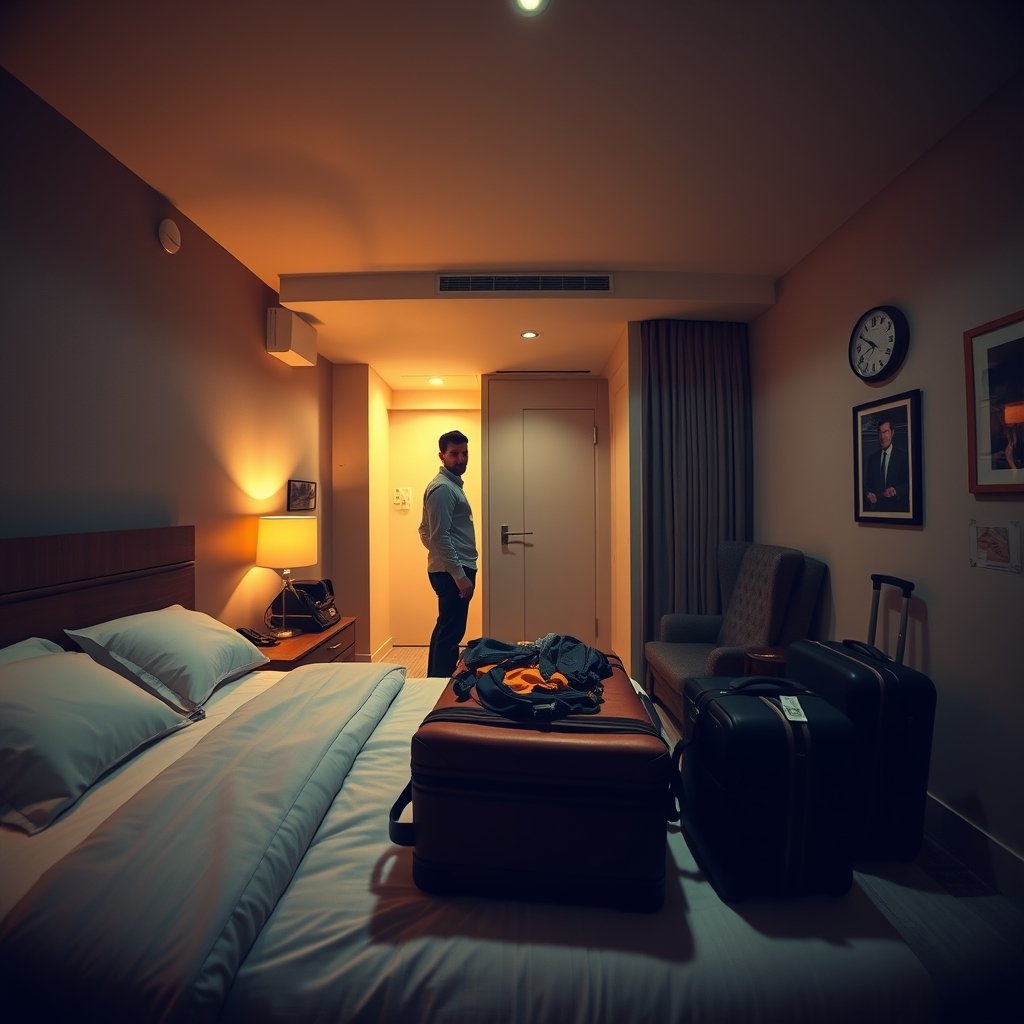
- Start with a Slow, Visual Sweep
Scan common hiding spots: smoke detectors, alarm clocks, picture frames, electrical outlets, USB wall chargers, and air purifiers. Look for anything oddly placed, recently moved, or that doesn’t belong. - Use Your Phone’s Flashlight—and Camera
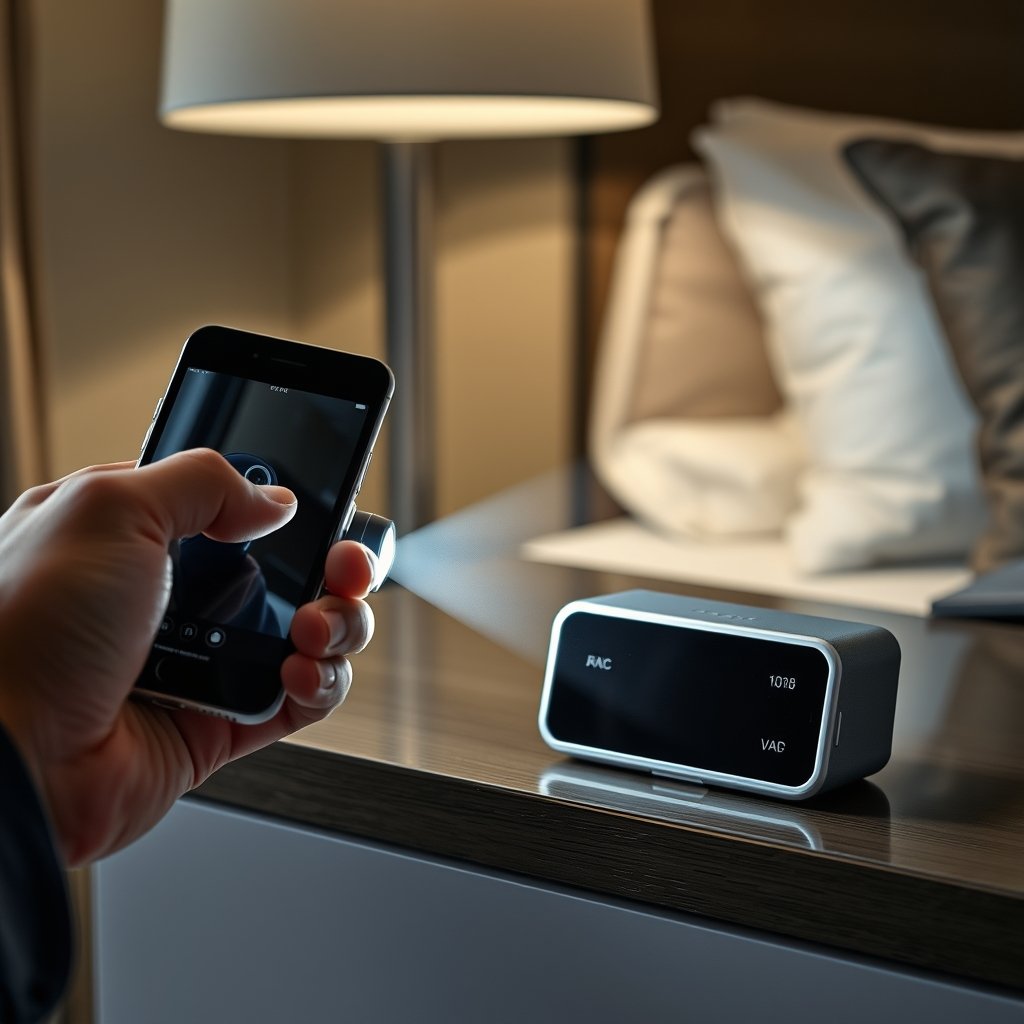
Turn off the room lights and pan your phone flashlight around. Watch for bright reflections that reveal a camera lens. For infrared (IR) cameras, use your phone camera in dark mode to detect glowing IR LEDs. - Scan Local Wi-Fi for Suspicious Devices
Connect to the room’s Wi-Fi and use a network scan app to identify unknown IP cameras or smart devices. If you see something listed like “IPCAM,” “ESP,” or a device with a manufacturer name you don’t recognize, investigate further. - Deploy an RF detector
Budget RF detectors can pick up transmission signals from wireless cameras and bugs. Slowly sweep walls, smoke alarms, and outlets. Watch for signal spikes. - Document Everything Before Reporting
Before confronting staff or management, always photograph or film suspect devices in place, including their location and nearby features. This preserves evidence in case it’s removed after you complain. - Report, Don’t Remove
Never unplug, destroy, or remove a device yourself. Report immediately to the front desk or rental platform and local police if necessary. Removing evidence yourself may create legal headaches or let hosts claim damage or loss.
For a software-first option, hidden camera detector apps can help scan for IR sources or rogue Wi-Fi devices, though they aren’t 100% reliable. For more security on the road, a solo female travel security kit with a portable door lock and mini RF detector is a smart investment—see our complete travel checklist for more tips.
Advanced Analysis & Common Pitfalls
Most guides skip over the real risks and the reasons travelers still get caught off guard. Here’s what to expect, and how to avoid the most common mistakes.
- Visual Inspection Alone Often Fails: Cheap “spy” cameras are now disguised as USB chargers, weather stations, even air purifiers. If you only check the smoke alarm, you’ll likely miss newer devices that don’t look like cameras at all.
- Phone Apps Aren’t Foolproof: Testing reveals that popular camera-detecting apps have high false positive rates and can miss well-hidden devices. They’re better than nothing, but professionals recommend pairing with hardware RF detectors for real results.
See more in our Hidden Camera Detector App Guide. - Wi-Fi Scans Require Some Tech Know-How: Devices without Wi-Fi (SD-card cameras, hardwired cams) won’t show up in a scan. Also, some hosts use private networks invisible to guests.
- Entry-Level RF Detectors Vary in Quality: Cheap $20 models pick up general radio signals but often struggle with today’s low-power, frequency-hopping devices. More expensive detectors improve signal clarity, but research data shows no clear “best” option as of 2024. Expect a price range from $20-$150, with mid-range units providing the best balance of portability and sensitivity. No major reliability stats are published by manufacturers.
- Hotels Not Immune, But Data Focuses on Rentals: Almost all statistics and horror stories focus on Airbnb/vacation rentals, not traditional hotels. However, hidden device risks exist everywhere privacy is expected.
- Legal Risks Are Real: Tampering with or destroying a suspected camera can lead to claims of property damage, or—worst case—accusations of evidence tampering. Instead, document and report. Arbitration clauses and NDAs are common, especially with platforms like Airbnb, potentially limiting your recourse (see source).
| Method | Detects All Types? | Skill Needed | Risks / Downsides |
|---|---|---|---|
| Visual Inspection | No | Low | Misses Wi-Fi/IP cams in everyday objects |
| Smartphone Camera/Flashlight | Partial | Low | Doesn’t reveal cam behind opaque glass |
| Wi-Fi Network Scan | Only wireless devices | Medium | Some cams use separate/hidden networks |
| RF Detector | Most wireless cams | Medium | Cheap models overload from phone signals |
| Professional Bug Sweep | Yes | Expert | Expensive ($100+ per session) |
For more detailed guides on securing your room, read our hotel room door security checklist or get started with portable door locks for travel.

Conclusion
Awareness is your first line of defense. While no solution is perfect, following a layered approach—visual checks, flashlight tricks, Wi-Fi scans, and RF detectors—dramatically reduces your risk of hidden surveillance. Always document findings and report officially, never tampering or removing devices on your own. As hidden cameras grow more sophisticated and common, knowing how to find hidden cameras in hotel room environments is no longer optional for safe, private travel. Stay proactive and upgrade your travel safety routine now.
Ready to take action? Browse our solo travel safety tips, try a personal safety plan, or explore the best hidden camera detector apps to make your next trip worry-free.
FAQ
How common are hidden cameras in hotels and vacation rentals?
It’s more common than people think—up to 47% of vacation rental guests report finding hidden cameras, with thousands of annual complaints (source). Data focuses mostly on rentals, but hotels also have reported incidents.
What’s the fastest way to check for hidden cameras?
Combine a visual inspection (smoke detectors, outlets, clocks) with a Wi-Fi scan for unfamiliar smart devices as soon as you arrive. Next, sweep the room with an RF detector if you have one. Apps can help but shouldn’t be your only method.
Are phone camera detector apps reliable?
They can help but aren’t foolproof. Apps may fail to find hardwired or well-camouflaged cameras, and false positives are common. Use them as part of a multi-step process, not your only defense. For more on their strengths and weaknesses, see our guide.
What should I do if I find a hidden camera in my room?
Take photo or video evidence before you touch anything. Report findings to hotel or property management, plus the booking platform. If you feel unsafe, contact local law enforcement. Don’t remove the device yourself—it could create legal questions.
Is it legal to check for or remove hidden cameras as a guest?
You’re allowed to check and document evidence, but removing or tampering with cameras can create legal risk or claims of damage. Always report and preserve evidence, rather than taking direct action that might get you in trouble later. For more, see our Airbnb safety tips for guests.
—