
Airbnb door lock security has become one of the top concerns for travelers in 2024. Whether you’re a guest worried about privacy or a host aiming for 5-star reviews, understanding the strengths and weak points of Airbnb door locks is essential for safer, smoother stays.
Key Takeaways
- Most Airbnb rentals now use smart locks with advanced encryption and biometric features, but vulnerabilities remain in older mechanical or keypad-based systems.
- Direct guest data on door lock security incidents is still lacking, and privacy risks from hidden devices are underreported in the market.
- Simple steps and portable safety tools can significantly reduce personal risk during any Airbnb stay, especially when combined with proactive inspection.
- Understanding Airbnb Door Lock Security
- How to Secure Your Airbnb Door: A Practical Guide
- Advanced Analysis & Common Pitfalls
- Conclusion
- Frequently Asked Questions
Understanding Airbnb Door Lock Security
Airbnb door lock security is more than just a lock—it’s about guest experience, privacy, audit trails, and peace of mind. Most modern Airbnb hosts use smart locks with features like AES-256 encryption, secure guest code generation, and automated logs. However, not all properties keep up with advancing threats. Some still rely on mechanical keys or simple numeric keypads, which have well-documented vulnerabilities such as key copying, code snooping, or even break-ins via unsecured lockboxes.
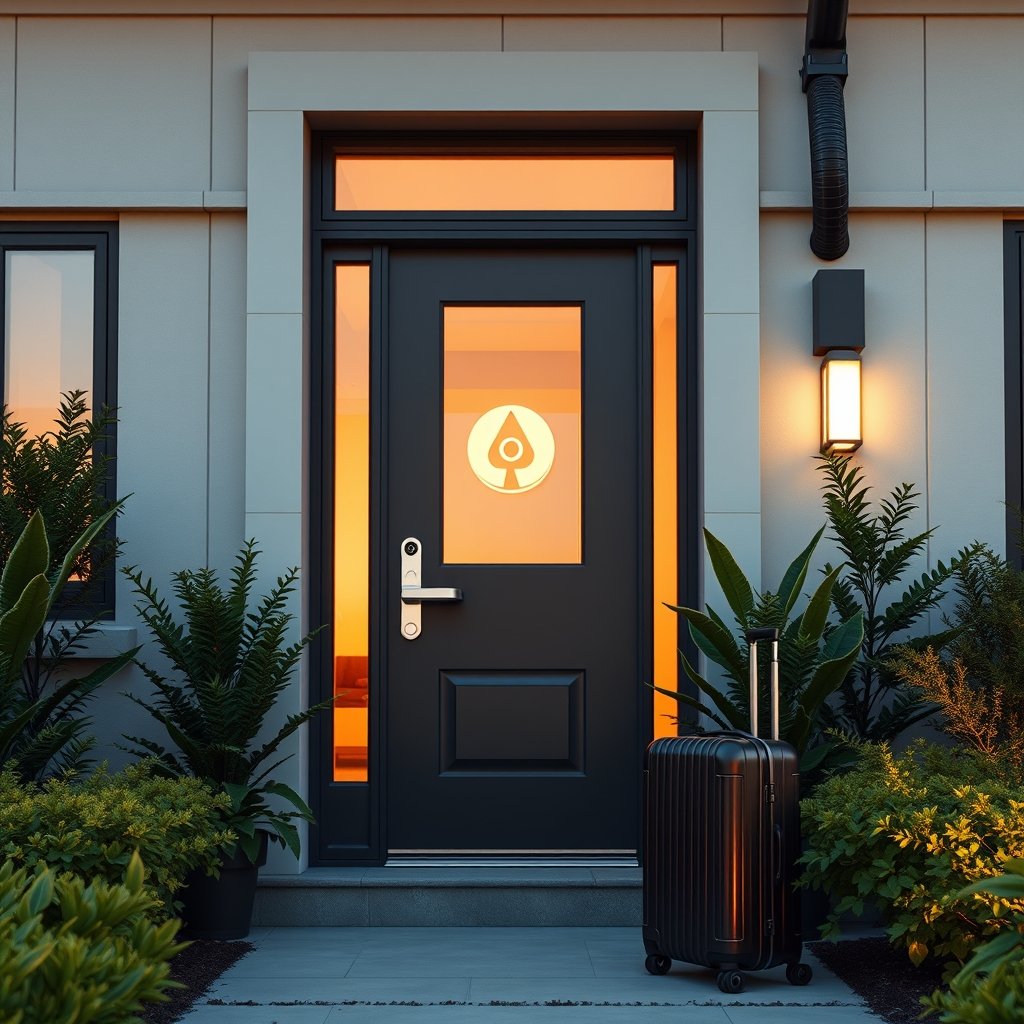
For comparison, hotels typically maintain stricter oversight of room access, but Airbnbs put more responsibility on both host and guest for on-site security checks. Unfortunately, current public data doesn’t provide a statistically meaningful comparison of reported lock failures or security incidents between Airbnbs, hotels, and vacation rentals.1
There’s also a rising anxiety about hidden cameras or devices embedded near entry points, which, while rare, can cause distress and privacy concerns. Despite increased media attention, specific statistics about detection rates of hidden camera locks in Airbnbs are still absent from industry research as of 2024.2
How to Secure Your Airbnb Door: A Practical Guide
Whether you’re a guest or host, strengthening Airbnb door lock security follows a common-sense, layered approach. Here’s how to maximize your protection with practical steps:
- Inspect the lock type immediately upon arrival. Smart locks using numeric keypads or biometric readers are now standard, but occasionally you’ll encounter old-style mechanical deadbolts. Examine for signs of tampering, loose fixtures, or old lockboxes. Don’t hesitate to notify your host if you notice any issues.
- Verify code change between guests. A reputable host should generate a unique, time-sensitive pin code or virtual key for each booking. Ask about their process if you’re unsure, and avoid using a code if it feels generic or reused.
- Bring a portable door lock or security device. Devices such as the Addalock portable door lock or a travel door alarm are legal, simple to use, and can add a crucial extra barrier when inside the rental.
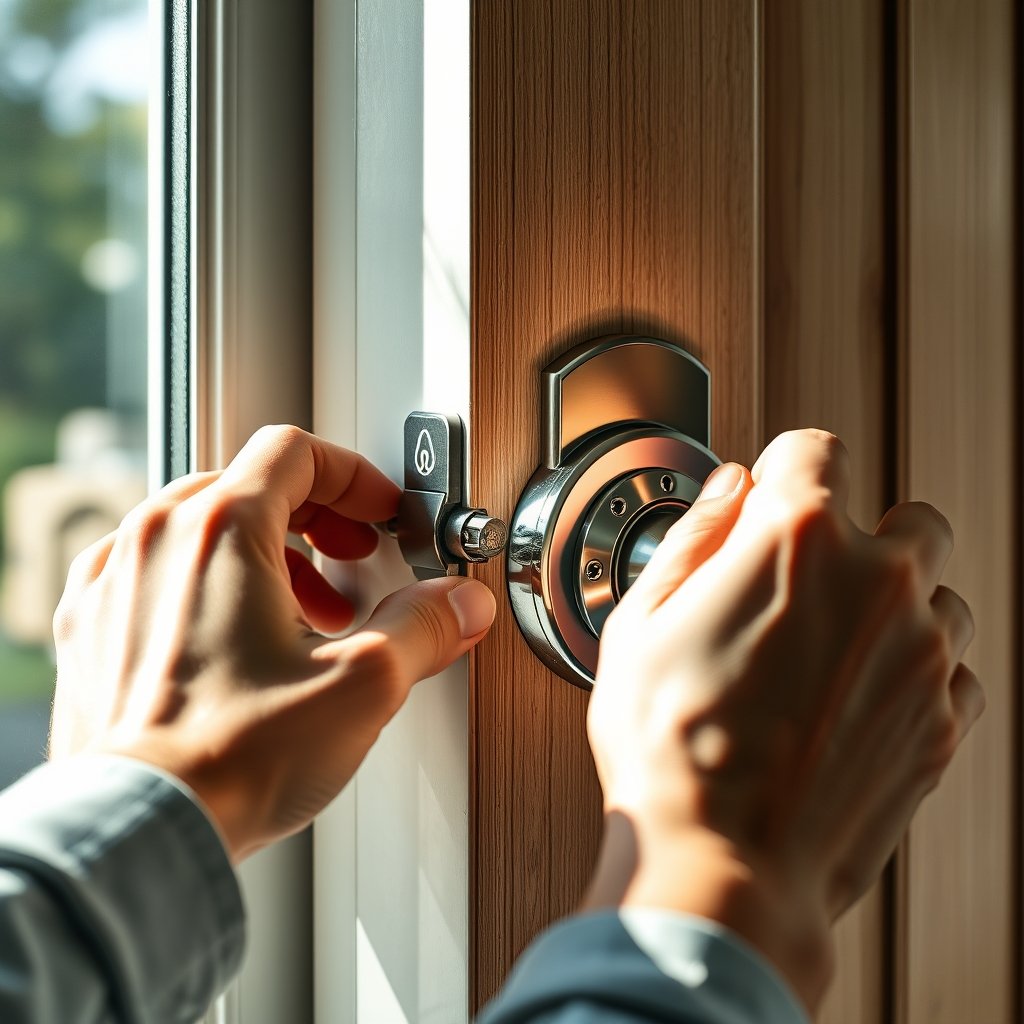
- Test the lock’s reliability. Ensure it fastens tightly and can’t be forced with moderate pressure. For keypad locks, confirm that the buttons aren’t worn in a way that reveals your code. Hosts: schedule quarterly checks and battery replacements for electronic models.
- Scan for hidden devices near the entry. Use mobile apps to detect potential spy cameras (see the hidden camera detector app guide) or purchase a dedicated device. Look for unusual holes, blinking lights, or objects facing the door.
- Log every incident—however minor. If anything seems off, take clear photos and notify the host (and if necessary, Airbnb support) immediately with factual details.
Want step-by-step strategies specifically for solo travelers? Check out our comprehensive Airbnb safety tips for guests.
Every added layer makes your Airbnb stay safer and less of a target for opportunistic crime.
Advanced Analysis & Common Pitfalls
While Airbnb door lock security tech is modernizing, not all installations are equal—and knowledge gaps can turn minor flaws into major issues.
- Smart Lock Pitfall: Most models use AES-256 encryption and regularly rotated codes. However, some depend on WiFi, which is subject to outages or distance limits. If the lock loses signal, remote access can be temporarily unavailable.2
- Keypad & Mechanical Risks: Numeric keypads are common but vulnerable to peep attacks or fingerprint residue revealing codes. Mechanical/physical key systems are most at risk: lost or copied keys, lack of logs, and lockbox break-ins are all documented.3
- Privacy Device Blindspots: There is a growing concern about hidden pinhole cameras embedded near doorways. While reported cases are rare, these situations are deeply distressing and underreported. Apps and IR detectors can help, but still rely on guest vigilance.
- Missing or Outdated Tech: Some listings still use 1990s-era locks, making them vulnerable to simple break-in attempts. Always verify the model and ask your host about their upgrade schedule.
- Audit Trail Gaps: Unlike hotels, few Airbnbs provide logs of door unlocks to guests—making it harder for travelers to know if anyone accessed their unit during their stay.
| Lock Type | Benefits | Main Vulnerabilities | Best Practices |
|---|---|---|---|
| Smart Lock (Biometric / App) | Remote management, unique guest codes, logs, encryption | WiFi/Bluetooth outages, compatibility issues, battery failure | Battery checks, code resets, use offline-capable models |
| Keypad Entry | No keys needed, PIN management | PIN sharing, code guessing/peeping, residue tracing | Rotate codes, use fingerprint-resistant models |
| Mechanical Lock | Cheap, familiar | Key loss, unauthorized copies, no audit trail, lockbox break-in | Upgrade ASAP, eliminate lockboxes, rekey after lost keys |
If you need maximal safety, consider combining a trusted smart lock with a door barricade bar and a portable alarm—especially if the property lacks on-site support or is in an isolated area.
Traveling with an easy-to-use portable door lock and familiarizing yourself with solo traveler safety best practices can mitigate nearly all common door-related risks, regardless of host’s original setup.
Conclusion
Physical access and privacy are non-negotiable when it comes to Airbnb door lock security. While most modern Airbnbs use advanced locks, there are still plenty of legacy setups and overlooked risks. Guests and hosts both play a role: hosts should routinely upgrade their installations and leverage audit-ready smart locks, while guests should inspect every entrance, use portable devices, and stay data-savvy.
For more resources and actionable travel protection tips, explore our Ultimate Travel Safety Checklist before your next trip. Take real control over your Airbnb door lock security—it’s the one thing that shouldn’t ever be left up to luck.
Frequently Asked Questions
Are smart locks on Airbnbs really safer than key-based locks?
Yes, most modern smart locks use encrypted codes, logs, and tamper alerts, making unauthorized access harder. However, they must be properly maintained and codes rotated regularly to maximize security.
Should I travel with a portable door lock even if my Airbnb has a smart lock?
Yes. Portable locks add an extra layer, especially if you’re concerned about the physical integrity of the existing door or want to prevent unexpected entry during your stay.
How do I detect if my Airbnb front door has a hidden camera?
Scan for tiny holes or unusual objects near the entry. Use hidden camera detector apps or tools; you can find detailed guides in our hidden camera detector app guide.
What should I do if my Airbnb door lock feels unsafe or faulty?
Document the issue with clear photos, alert your host immediately, and—if you feel unsafe—contact Airbnb customer support for alternative lodging or refunds.
Can I request that the code be changed before check-in?
Absolutely. For peace of mind, ask your host to provide a one-time code unique to your stay. Most quality hosts and property managers accommodate this as standard practice.
—