
Airbnb safety tips USA are more relevant than ever for travelers looking to secure their rental from booking to check-out. With evolving policies, hidden risks, and important shifts in host practices, it’s crucial to know exactly where dangers crop up—and what to do if you spot one.
Key Takeaways
- Safety concerns in Airbnb reviews can reduce occupancy rates and nightly prices by as much as 2.4% and 1.5% respectively, affecting both guests and hosts.
- March 2024’s ban on indoor security cameras gives power back to guests but increases the need for visual sweeps and communication with hosts.
- A practical 2024 Airbnb safety checklist helps you detect hidden risks, verify door locks, and know exactly how to respond to incidents during your stay.
- Why Airbnb safety matters — the measurable impact on bookings and hosts
- The hidden-camera policy change (March 2024) — what it means for guests
- Top five recurring guest safety complaints — what to watch for in reviews and photos
- Three critical sub-topics many top articles miss (and why you should cover them)
- How common are hidden cameras in Airbnbs (what we know and what we don’t)
- Practical hidden-camera detection — expert-tested tools and step-by-step checks
- Door lock security — Airbnb locks vs. hotels vs. traditional rentals
- Personal security devices — costs, effectiveness, and buyer guidance
- The complete 2024 Airbnb safety checklist — pre-booking, arrival, in-stay, emergency
- How and when to report safety issues (Airbnb, police, and consumer resources)
- Quick-action templates and downloadable tools for travelers
Why Airbnb safety matters — the measurable impact on bookings and hosts
Airbnb safety is not just about feeling secure during your stay—it’s also a factor with proven economic impact. Analysis of nearly 5 million Airbnb reviews shows that properties receiving safety complaints in reviews see a 1.5–2.4% drop in occupancy rates and a 1.5% reduction in nightly price (RPI Research). This means safety isn’t only a guest concern; hosts who ignore security essentials risk both their reputation and their income.
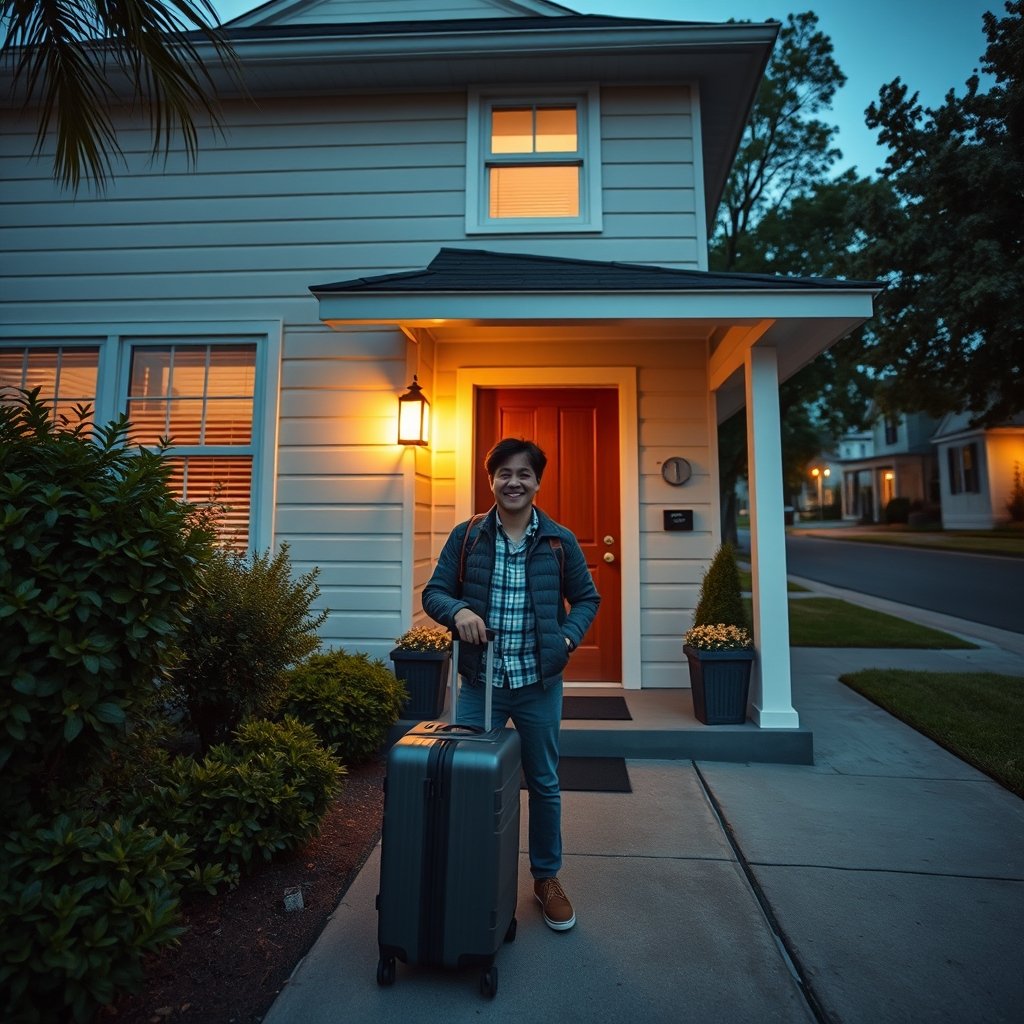
For guests, recognizing risk before and during a stay can help prevent theft, privacy violations, and other emergencies. For hosts, it’s a direct line to higher ratings and more bookings. The bottom line: both sides benefit from robust safety practices and reporting issues openly.
The hidden-camera policy change (March 2024) — what it means for guests
In March 2024, Airbnb announced a total ban on indoor security cameras worldwide due to a wave of hidden camera complaints (The Invisible Tourist). This is a major win for guest privacy but also puts more onus on guests to double-check that hosts are complying with the new policy.
Before you book, scan host communication for any mention or omission of cameras. Airbnb now requires full disclosure of all outdoor cameras and bans even “disclosed” indoor cams. After you arrive, inspect each room visually and with a flashlight—even after Airbnb’s ban, enforcement largely depends on guest reporting and diligence.
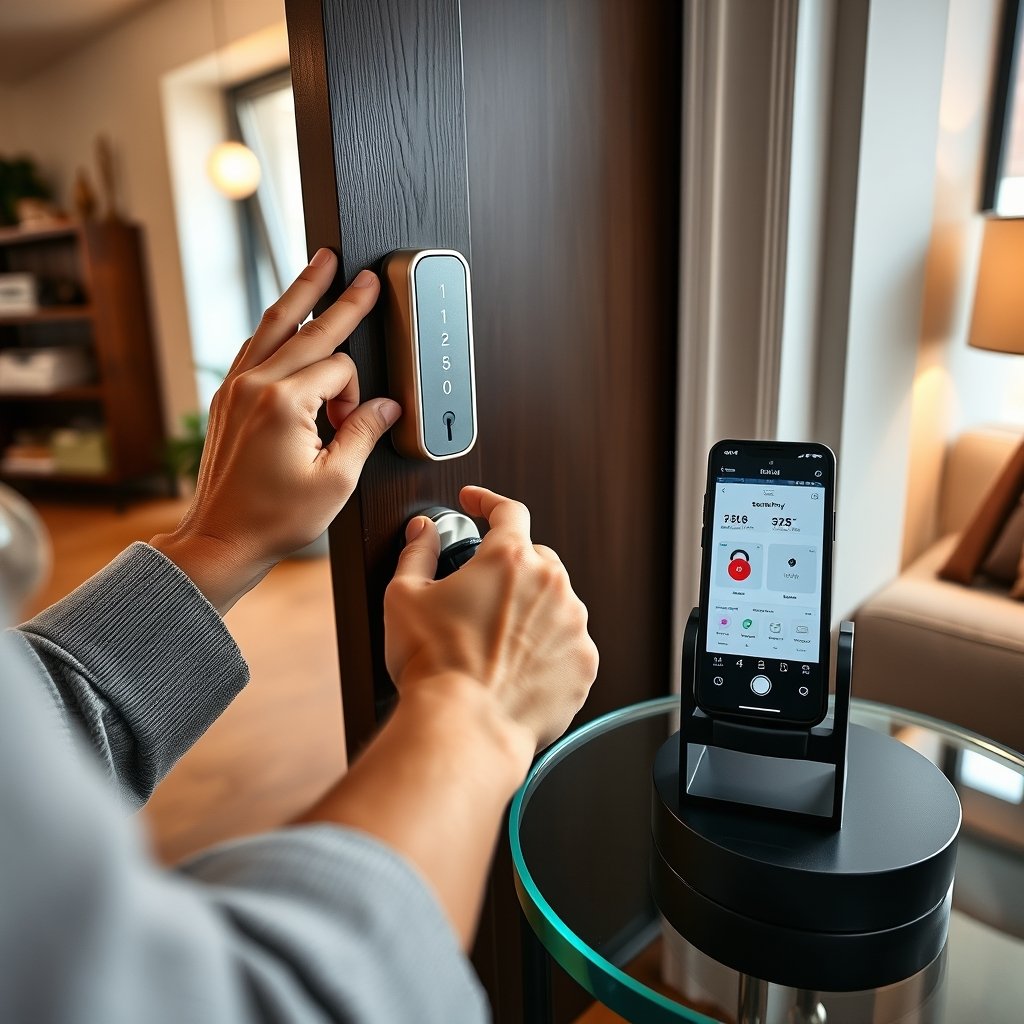
If you find any device that resembles an indoor camera, take photos and report it immediately through Airbnb’s messaging and safety center. The new rules are designed to protect guests, but actual compliance relies on your vigilance.
Top five recurring guest safety complaints — what to watch for in reviews and photos
Most negative Airbnb safety experiences in the USA fall into five key areas. Here’s how to detect them before you book:
- Neighborhood safety concerns: Listings in higher-crime areas lead to up to a 60% drop in guests’ willingness to return. Check reviews for phrases like “felt unsafe walking at night” or “heard sirens nearby.” Map the address to review local crime rates on third-party apps.
- Interior hazards: Look for warnings in reviews about broken steps, slippery tubs, missing smoke or carbon monoxide alarms, and insufficient emergency exits.
- Lack of safety regulations: Many Airbnbs skip hotel-style fire/safety measures. Confirm host-provided safety gear—smoke alarms, fire extinguishers, and insurance for your belongings.
- Unauthorized key issues: One overlooked risk is untracked key copies from illegal subletting. Ask whether locks are rekeyed between guests, and be wary of long-term stays in multi-unit buildings.
- Hidden cameras: While Airbnb now bans indoor cameras, cases from previous years still surface. Comb through past reviews for any red flags about surveillance or privacy complaints.
Understanding these review-driven pain points can help you choose a much safer Airbnb rental USA-wide and avoid costly or uncomfortable surprises. For guests needing advanced checks, pairing this advice with a robust Airbnb safety checklist is critical.
Three critical sub-topics many top articles miss (and why you should cover them)
Most Airbnb safety guides skip these three crucial topics—leaving travelers exposed:
- Hidden camera prevalence by city and risk indicators: Top articles rarely drill down to city or neighborhood-level risk data. Search local news archives for recent incidents and check online forums for guest reports by zip code.
- Airbnb door lock security compared to hotels: Most hosts use basic deadbolts, off-the-shelf keypad locks, or even shared keys. Hotels typically use commercial-grade rekeyed electronic locks with unique cards for each guest. Portable travel door locks offer an inexpensive layer of extra control—worth researching before you go.
- Cost and effectiveness of security devices: Travelers’ guides rarely do a true cost-benefit analysis. In reality, portable door locks and camera detectors start as low as $12-$30 and are highly effective for blocking unauthorized entry or scanning for hidden devices. See reviews such as Addalock portable door lock review to compare practical performance.
Filling these overlooked areas can help you address Airbnb security USA risks more effectively than reading the usual “10 generic safety tips.”
How common are hidden cameras in Airbnbs (what we know and what we don’t)
Despite high-profile news coverage, there’s currently no reliable data on the true frequency of hidden cameras Airbnb guests encounter in US rentals. Most data comes via news reports, guest posts in Airbnb forums, and occasional enforcement actions—none offer a complete or city-specific picture.
Instead of sensationalizing, it’s best to interpret anecdotal reports as a cue for increased vigilance. This means physically checking each space (especially bedrooms and baths) on arrival and using affordable detection tools. For a quick guide (and detection apps you can install on your phone), check out the best hidden camera detector app recommendations.
Practical hidden-camera detection — expert-tested tools and step-by-step checks
Hidden camera detection has become easier and more affordable thanks to off-the-shelf gear and phone apps. Here’s how to sweep your rental methodically:
- Scan visually first—turn off lights and watch for tiny red/green LEDs that may flicker from surveillance devices.
- Use your phone’s flashlight and scan for camera lenses. Hold your phone close to mirrors, air vents, smoke detectors, and alarm clocks—often used for concealment.
- Download and use a trusted app (see hidden camera detector app guide) to scan for abnormal signals or magnetic fields in outlets or electronics.
- Buy a simple RF detector ($15-$30); sweep at outlets, behind TVs, under beds, and on bookshelves. Just remember, RF detection picks up any wireless device—not just cameras—so careful scanning helps filter false positives.
- If you discover a camera, never unplug it before documenting the discovery. Take photos, leave the area, and contact Airbnb or law enforcement.
For a deeper walkthrough—including the best techniques to use with your phone and which red flags to spot—see how to find hidden cameras in hotel room.
Door lock security — Airbnb locks vs. hotels vs. traditional rentals
Most Airbnbs use either mechanical deadbolts, keypad code locks, or traditional keys. Unlike hotels, which reprogram keycards after each stay, many Airbnbs reuse codes or keep spare keys unsecured. Here’s how the options compare:
| Lock Type | Common in Airbnbs? | Common in Hotels? | Vulnerabilities | Guest Inspection Steps |
|---|---|---|---|---|
| Standard Deadbolt & Keyed Lock | Yes | No | Duplicate keys, old locks, unauthorized copies | Check for lock wear and loose frames; ask if rekeyed recently |
| Keypad/Smart Code Lock | Yes | Sometimes | Code reuse, poor battery management | Test code, change it if possible, ask for unique code |
| Electronic Card Lock | Rare | Yes (Hotel Standard) | Less risk; cards reset every stay; still prone to rare hacking | Not modifiable by guest |
| Portable Travel Lock/Blocker | Guest-provided | Guest-provided | Must fit door/frame type | Bring your own—see best portable door lock for travel |
On arrival, physically test the door, frame, and lock strength. For added control and peace of mind on fragile doors, use a temporary lock for Airbnb. This works especially well for solo travelers or guests in multi-unit buildings.
Personal security devices — costs, effectiveness, and buyer guidance
Adding a few portable security tools can make a dramatic difference in your perception of safety—often for less than a single night’s booking:
- Portable travel door locks and jammers: $12–$35. Fit most inward-opening doors and block host or outsider entry even if they have a key or code. Read brand comparisons before buying.
- Window locks/stops: $8–$25. Secure ground-floor or balcony windows. Lightweight and easy to pack. Top for families and ground-floor rentals.
- Hidden camera/RF detectors: $15–$40. Catch common wi-fi, Bluetooth, and analog bugs. Apps are a free starter, but hardware models are more reliable.
- Personal alarms: $10–$30. High-decibel (130dB+) panic buttons deter intruders and attract attention. See best personal safety alarm for women.
- Smart pepper sprays, security jewelry: $20–$90. Tech-enabled SOS alerts and GPS ping to trusted contacts. For reviews, check connected self defense tools and smart jewelry options.
Choose budget-friendly tools for protection, or invest in higher-end gear if traveling solo or with family. Most devices have universal use—no installation or permanent modifications required.
The complete 2024 Airbnb safety checklist — pre-booking, arrival, in-stay, emergency
Use this up-to-date Airbnb safety checklist to cover your trip from pre-booking to check-out. Print or save it before your next trip:
- Before Booking: Review listing photos for missing locks, smoke/CO alarms, odd devices. Scrutinize neighborhood reputation and read reviews for safety concerns. Message host about latest lock rekeying, alarm presence, hidden camera policy.
- On Arrival: Test all entry doors and windows. Install personal travel lock or door jammer. Sweep rooms for hidden cameras using visual and app-based checks. Verify smoke/CO alarms are present and operational.
- During Stay: Keep valuables in a lockable bag or safe. Use portable window stops. Lock doors whenever inside; never leave windows open on lower floors at night. Stay alert to strange noises or unexpected visitors.
- In Emergency: If you find a hidden camera or feel threatened, take photos and leave the premises. Report immediately via Airbnb’s platform and call law enforcement if necessary. Preserve messages and documentation as evidence.
For a more detailed, printable list and packing guide, visit travel safety checklist essentials. Combine these steps with the latest solo traveler safety tips if you’ll be alone.
How and when to report safety issues (Airbnb, police, and consumer resources)
Fast, clear reporting can protect you and others. Here’s a streamlined process:
- To Airbnb: Go to the “Safety Issue” section on your booking, upload evidence (photos, messages), and request relocation/refund if needed. Airbnb’s new camera policy supports immediate action and, if proven, host removal.
- To the Police: If you feel threatened or discover criminal activity (e.g. illegal surveillance), call 911 or the local non-emergency line. Save all photo/video evidence.
- To Consumer Agencies: File a complaint with your state or city’s consumer protection office, or call a travel attorney if your losses are significant.
- Host communication: Notify the host in writing (via the Airbnb message system) so there’s a record. Keep all replies for reference.
The 2024 indoor-camera ban means reported violations are likely to be taken seriously (policy announcement). For ready-to-send report templates and emergency contacts, see the next section.
Quick-action templates and downloadable tools for travelers
Speed matters when you’re dealing with security concerns. Here are ready-to-use resources:
-
Message to Host (if you find an issue):
“Hi [Host Name], I’ve found a [describe issue — e.g., camera device in bedroom]. Can you confirm this is a mistake, or has it been left by accident? Please respond as soon as possible—per Airbnb policy, these devices are not allowed.” -
Message to Airbnb:
“Subject: Urgent Safety Concern — [Brief Description]
Hello, I am reporting a serious safety issue at my reservation ([Listing Name/ID]). Details: [describe what you found, e.g. undisclosed camera]. I have photo evidence. Please advise on immediate next steps.” -
Police Report Statement:
“I am a short-term rental guest and I have discovered a [describe — e.g., hidden camera] at [address]. I am concerned about privacy/legal violations and need assistance documenting this.” - Downloadable Airbnb Safety Checklist (PDF): Print or save here
-
Packing List for Airbnb Security:
- Portable travel door lock
- Window stopper/lock
- RF/camera detector
- Personal alarm
- Power bank & phone
- Tip: Safety reviews can drop occupancy rates and prices by 1.5–2.4%. With clear documentation, you help protect future guests and honest hosts alike (RPI study).
Conclusion
Managing safety at your Airbnb is an active, practical process—from smart booking to final check-out. Use the strategies above to protect yourself, your travel companions, and your data—and ensure peace of mind. Remember: with evolving policies and simple technologies, it’s easier than ever to spot problems, take action, and help keep the platform safe for all. If you want to maximize your security, review this post’s Airbnb safety tips USA steps every time you book, and share this guide with friends or colleagues planning a trip.
Ready for your next trip? Download the printable checklist, pack a few smart devices, and bookmark this post as your go-to Airbnb security resource.
FAQ
Are hidden cameras still legal in Airbnbs in the USA after March 2024?
No. As of March 2024, Airbnb’s global policy prohibits any kind of indoor camera in listings, even if previously disclosed. Only outdoor cameras are allowed and must be clearly disclosed to guests.
What is the most effective tool for detecting hidden cameras in an Airbnb?
Start with a visual sweep using your flashlight and phone, but a dedicated RF detector gives more reliable results. For best practices and updated device/app picks, see the best hidden camera detector app guide.
Can I install my own door lock or alarm in an Airbnb rental?
Yes. Portable door locks, wedge alarms, and jammers are allowed as long as they don’t damage the property. Always remove your devices before check-out and notify hosts if extra security installations are required.
What should I do if the neighborhood feels unsafe when I arrive?
Do not ignore your instincts. Document your concerns, contact the host and Airbnb, and request relocation if needed. Portable door locks and alarms can help temporarily, but it’s best to choose a new property if you genuinely feel threatened.
Does reporting a safety issue hurt my chances of getting a refund?
No. In fact, guests are encouraged to report safety concerns immediately. Providing clear documentation (photos, messages) helps Airbnb resolve your case faster and can increase your chance of a full refund or alternative property.