

Best GPS luggage tracker review: If you check bags on flights, you already know how stressful mishandled luggage is. In 2026, smart trackers promise a solution, but do they really work? Let’s break it down with data, real costs, and what matters most for travelers this year.
Key Takeaways
- Over 33 million bags were mishandled worldwide in 2024, but two-thirds were found within 48 hours by airlines—not by GPS trackers alone.
- Trackers like AirTag, Tile, and Samsung SmartTag can help you quickly locate lost luggage—especially in crowded airports and on short-haul flights—but battery life, coverage gaps, and hidden costs are real tradeoffs.
- No GPS luggage tracker replaces airline claims or systems; they work best as a supplement, and only under the right conditions.
- Why this matters — the scale of lost and mishandled baggage (2024 context)
- The evidence gap — do GPS/luggage trackers actually move the needle?
- When trackers help most — realistic use cases and limitations
- AirTag vs Tile luggage vs Samsung — real-world comparison (accuracy, updates, coverage)
- Common traveler complaints and operational headaches
- Cost breakdown — device price, subscriptions, and hidden lifetime costs
- Privacy, safety and airline rules — what to worry about in 2026 models
- What’s new in 2026 — technical advances that matter to travelers
- How to choose — buyer checklist and decision matrix
- Top 3 buyer concerns competitors miss (the gaps to address in our article)
- Practical tips — how to maximize your tracker’s chances of helping
- FAQ — short, authoritative answers to shopper questions
- Conclusion & recommended next steps (CTA)
Why this matters — the scale of lost and mishandled baggage (2024 context)
Losing checked baggage isn’t rare. In 2024, airlines worldwide handled over 6 billion checked bags and mishandled about 33.4–36.1 million of them—roughly 6.3 per 1,000 passengers, according to SITA’s Baggage IT Insights 2025 (source). Of these, airlines’ in-house systems (WorldTracer) found over 66%—about 22 million—within 48 hours. Most mishandled bags are delayed (74%), not lost forever. Still, that leaves millions of travelers spending hours or days in limbo, hoping for updates and compensation while their trip is disrupted. The appeal of a lost luggage tracker is obvious, but the reality is more nuanced.
The evidence gap — do GPS/luggage trackers actually move the needle?
Manufacturers tell you Apple AirTag 2026 models are game-changers. But as of 2024, there’s no global data proving they’ve changed recovery rates in a statistically significant way (source). Why? Because official industry recovery still depends on SITA/WorldTracer at the airline—not trackers. Most evidence comes from individual success stories, not peer-reviewed or public studies. GPS luggage tracker 2026 models can help you find your bag faster if the tracker is in range of a robust crowd network (Apple Find My, for example), and if the airport staff is willing to use the information you provide.
Let’s make it actionable. Here’s what most helps (and doesn’t) with lost luggage tracker use:
- Most effective: Domestic or major-hub journeys, where airline and passenger phones are abundant. Apple AirTag shines if you’re in iOS-heavy regions.
- Hit or miss: Long-haul international, rural regions, or developing-world airports—tracker networks may be sparse and update lags can be hours (or never).
- Don’t expect: Airline staff to access your tracker’s location or act on it directly. Some will help, many won’t—policies vary.
Want a real story? A frequent business traveler checked her bag at JFK-LAX. Her AirTag showed her suitcase was left behind at JFK for several hours. She showed the lost location to airline desk staff, who used it to escalate the search. The bag was returned within 18 hours. On a remote route with no network coverage, she later found her Tile was useless—days went by with zero updates, and regular baggage tracing (not the tracker) finally returned her bag.
When trackers help most — realistic use cases and limitations
Anecdotes and limited case studies agree: Trackers help most when your bag is in a busy, phone-filled environment—airports, hotels, city taxis—or if you can quickly verify it left the plane or carousel. But they do not speed up official airline handling or work reliably in rural or device-sparse regions. Thick baggage cabins, transferring through remote airports, or delays over 24+ hours often mean trackers go “dark” until the bag hits another phone or participating device. This is why, for truly lost or stolen bags (about 8% of cases), GPS luggage tracker 2026 devices are only a partial answer.
AirTag vs Tile luggage vs Samsung — real-world comparison (accuracy, updates, coverage)
If you want guaranteed precision, look at both the hardware and the crowd network. Apple’s Find My network for AirTag is the biggest, with over a billion iOS devices. Samsung SmartTag+ does well in Galaxy-phone-heavy countries. Tile Pro / Mate relies on its independent Bluetooth crowd, strongest in North America and Western Europe.
| Device | Approx. Price (USD) | Subscription | Battery | Best For | Coverage | Accuracy |
|---|---|---|---|---|---|---|
| Apple AirTag | $29 each / $99 (4-pack) | No | ~1 year, replaceable | iPhone users, dense airports | Global (iOS), best in US/EU/Asia | ~1–2m with UWB |
| Tile Pro / Mate | $25–$40 | Recommended ($20–30/yr) | ~1 year, replaceable | General, multi-platform | US/EU, weaker global | 5–10m (Bluetooth only) |
| Samsung SmartTag+ | $35–$40 | No | ~1 year, replaceable | Samsung Galaxy users | Best APAC/Latin America | 1–3m (UWB) |
| 2026 Cellular GPS Tag | $60–$120 | $2–15/month | Varies, usually rechargeable | Frequent global flyers | Global + remote with cell | ~1–10m (GPS outdoors) |
For more gear comparisons, see our smart luggage locks 2026 guide or our anti-theft travel backpack guide.
Common traveler complaints and operational headaches
- Battery anxiety: Most coin-cell batteries last about a year. Frequent travelers risk dead tags mid-trip and have to carry spares or remember annual swaps.
- Coverage gaps: All trackers rely on a nearby smartphone network—outside major hubs or in remote cities, tags might stay “offline” for hours or days.
- Airline/security issues: Some airlines restrict tags with lithium batteries or RF radios. Travelers report inconsistent application of these rules at security.
- Subscription fatigue: Tile and cellular-powered tags offer the best location features only with paid plans. These recurring fees can add up.
- Precision hit-or-miss: Even UWB models struggle inside metal-framed bags or deep in cargo pits.
Delayed baggage still makes up 74% of mishandled bags, versus only 8% truly lost or stolen. Don’t rely on a luggage GPS tracker comparison alone—airline systems still resolve the majority of cases (more on the stats here).
Cost breakdown — device price, subscriptions, and hidden lifetime costs
- Apple AirTag: $29 each (or $99 for 4), no ongoing subscription.
- Tile: $25–$40 for each tracker, plus $20–$30/year if you want full remote features (official Tile details).
- Samsung SmartTag: $25–$40, no subscription, but requires Samsung phone for best features.
- Cellular GPS models (2026): 2026 Cellular GPS Tag $60–$120 per device plus $2–$15/month for service.
- Hidden costs: Battery replacements ($1–2/year), lost tag replacements, and possibly roaming fees with cellular trackers.
Real-world example: Four years of AirTag (with battery changes) is ~$33, while four years of a cellular GPS tag can exceed $200+—unless you travel constantly or need off-grid tracking, basic Bluetooth trackers win on cost for most flyers.
Privacy, safety and airline rules — what to worry about in 2026 models
Trackers in 2026 have improved privacy features, like anti-stalking alerts and limited data retention. Still, Apple, Tile, and Samsung have different privacy policies. Airlines have sometimes banned trackers with lithium batteries or radio transmitters—especially for checked bags—though most US/EU airlines now allow mainstream tags (see Apple guidance). Always check your carrier’s latest policy and notify them if you’re checking a bag with a tracker. If worried about privacy, monitor your tracker’s sharing and alert settings before departure.
For rules on personal safety gadgets, see our solo travel security kit and our review of self defense smart jewelry.
What’s new in 2026 — technical advances that matter to travelers
- Multi-network support: Many new trackers can join multiple device ecosystems for broader coverage.
- Hybrid BLE/UWB/GPS: The best bag tracker 2026 models use hybrid signals for accuracy indoors and GPS for outdoor/off-network updates.
- Longer life or rechargeability: Some now last 2–3 years or offer USB-C recharging, though rechargeables may have airline restrictions.
- Better indoor algorithms: Stronger mapping and signal processing helps with complex airport environments.
- System integration: Some tags (and airlines) are experimenting with direct integration, so your lost luggage tracker may offer seamless claims in the future.
If kit compatibility matters to you, review our best travel safety products 2026 for cross-system options.
How to choose — buyer checklist and decision matrix
Here’s a one-minute checklist if you’re shopping for the best GPS luggage tracker review:
- Coverage region: Stick with AirTag in iOS-dense countries, and use cellular GPS trackers for under-covered or rural areas.
- Battery style: Frequent travelers—pick replaceables. Occasional flyers—rechargeables are fine.
- Subscription comfort: Avoid recurring plans if you only fly a few times a year; consider all-in-one costs for frequent flyers.
- Phone platform: iPhone = AirTag, Android = SmartTag or Tile.
- Airline policies: Triple-check before you fly—battery/radio rules can change by region and airline.
Archetype #1: Frequent international traveler? Use a cellular GPS tracker with a monthly plan.
Archetype #2: Value-conscious, casual flyer? AirTag (iOS) or Tile is plenty.
Archetype #3: Tech-savvy, demand precision? Get a UWB/Find My tag, and back it up with a secondary tracker.
Wondering about dual-use gadgets? Some pack both tracking and alarm functions. Learn about luggage locks that double as trackers in our portable travel door lock guide.
Top 3 buyer concerns competitors miss (the gaps to address in our article)
- No universal impact data: No, there’s still no published global metric showing GPS trackers actually lower mishandled or lost bag rates (as of 2024). Trackers supplement, but don’t replace, airline systems.
- Time to recovery: Over 66% of mishandled bags are found in 48 hours by airlines (via WorldTracer), not by trackers—which mostly help with delays and in busy areas.
- Battery, subscription, and policy friction: Most buyers skip the fine print on battery replacement, device support, and changing airline rules. These can make a cheap tracker pricey or useless if you don’t plan ahead.
Looking for more ways to protect bags? Check our tips on luggage theft prevention.
Practical tips — how to maximize your tracker’s chances of helping
- Place trackers inside but not too deep—avoid the main compartment if possible so Bluetooth/GPS signals aren’t blocked.
- Double up—use two tags (inside + pocket or handle) for redundancy.
- Test and replace batteries before every long trip.
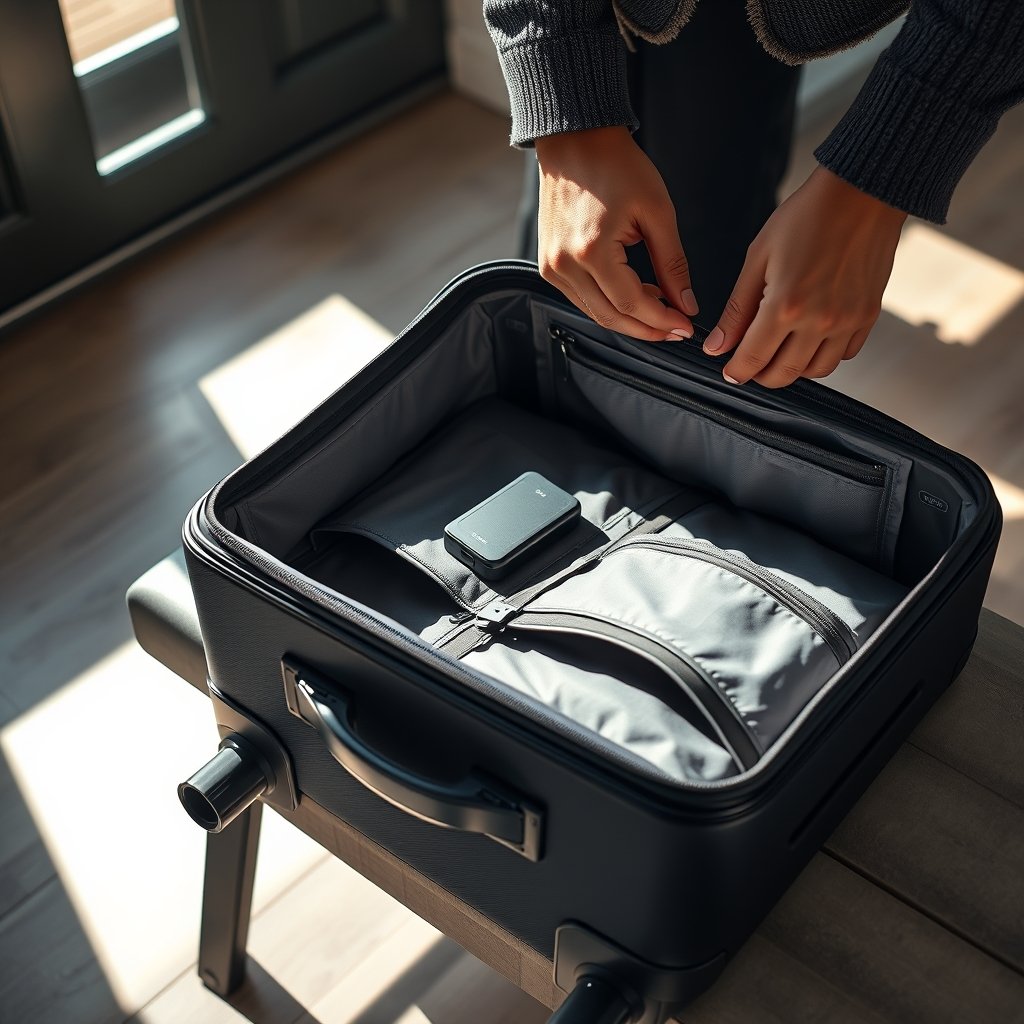
- Enable lost mode and alerts in the app before you check your bag.
- Attach photos and tag details to your airline file for claim validation.
Delayed baggage is 74% of all mishandled cases, and immediate app alerts can shave hours off your wait (source). Want to layer protection? Add a portable door alarm from our door alarm setup guide.
Conclusion & recommended next steps (CTA)
GPS luggage trackers are cheap peace of mind for most flyers, but not a magic bullet. The data is clear: airline systems recover most delayed bags already, but a tracker can save time and grant extra assurance in crowded areas or for high-value items. If you travel often, live in an iPhone-heavy region, or want to minimize the pain of delays, an AirTag or SmartTag is a smart move. International road warrior? Consider a paid cellular GPS tag, but check the real cost and airline rules first. For most, you only need one or two tags to cover your checked bags.
Ready to compare options and choose the best GPS luggage tracker review for your next trip? Download our printable checklist, or browse gear reviews for extra travel security before you fly!
FAQ — Short, authoritative answers to shopper questions
Are GPS luggage trackers allowed in checked baggage?
Most airlines allow small Bluetooth trackers (like AirTag or Tile) in checked bags, but policies change. Always check your airline’s latest rules—some restrict devices with lithium-ion rechargeable batteries.
How long do tracker batteries last, and are they replaceable?
Most popular tags (AirTag, Tile, SmartTag) use coin-cell batteries that last about 1 year and are user-replaceable. Some newer models use 2–3 year batteries or are rechargeable—always test and replace regularly.
Do GPS luggage trackers work internationally?
They work wherever their network operates—AirTag is best in regions heavy on iOS devices, Tile and SmartTag depend on their own networks or local phones. Cellular GPS trackers offer the broadest coverage, but require paid subscriptions and can face roaming issues.
What’s the difference between AirTag, Tile, and Samsung SmartTag?
All three are Bluetooth trackers, but AirTag uses the massive Apple Find My network, SmartTag is best for Samsung phone users, and Tile is more platform-agnostic but has a smaller network. AirTag and SmartTag+ offer higher accuracy with UWB; Tile’s premium features need a paid plan.
Can a luggage tracker help recover a truly lost or stolen bag?
Sometimes, especially if the bag surfaces near active devices or the tracker has a GPS/cellular option. But for most “lost” bags, airlines and airport systems still handle the actual recovery.